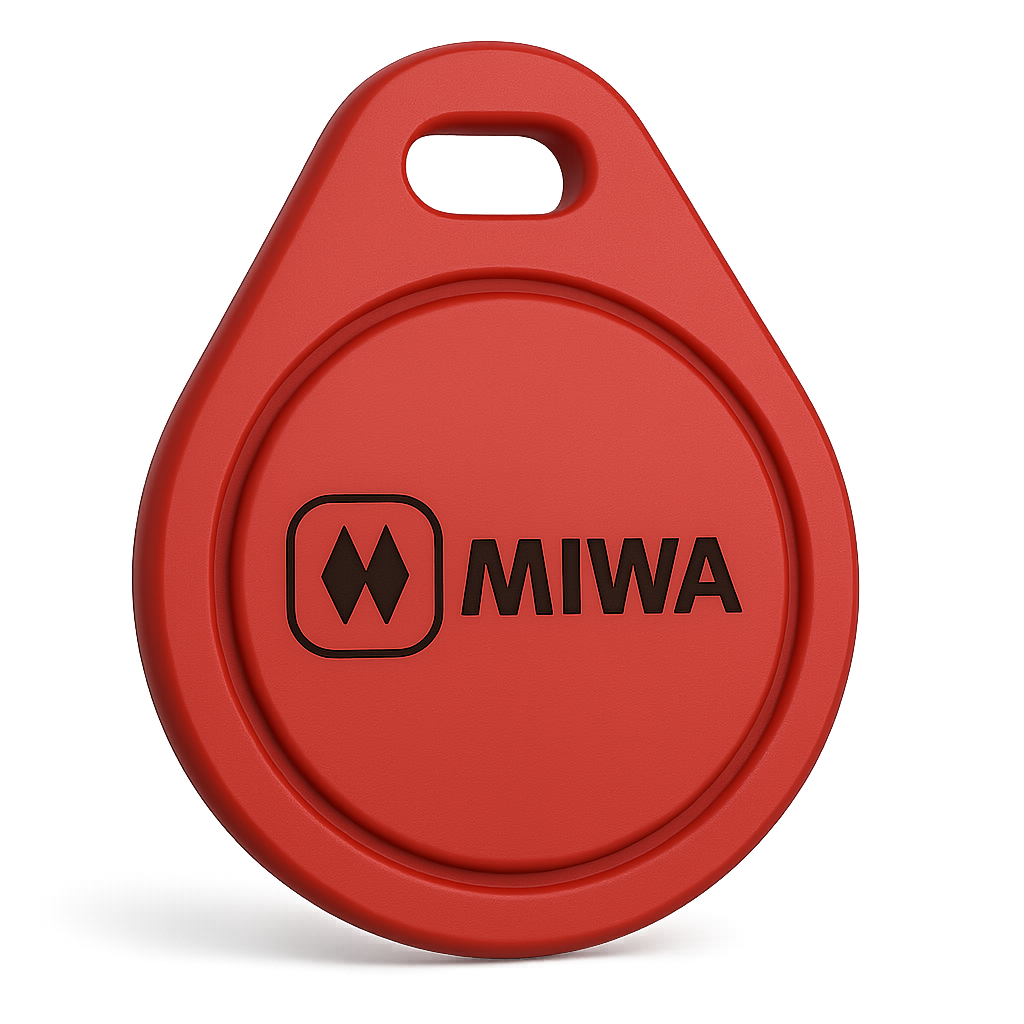
Copy Your MIWA Key Fob at Home
Make an authorized MIWA key fob copy with Sumokey's high-frequency cloning kit. This guided at-home workflow is for supported MIWA 13.56 MHz RFID credentials used with compatible apartment, condo, and building-access systems.
At a glance
- ✓ For supported MIWA high-frequency key fobs
- ✓ Choose an aftermarket black key fob, sticker, or white card
- ✓ Buy the kit or use your compatible kit from a previous Sumokey order
- ✓ Requires the working original and a compatible computer
- ✓ Guided instructions and human support
Confirm your original MIWA fob before ordering
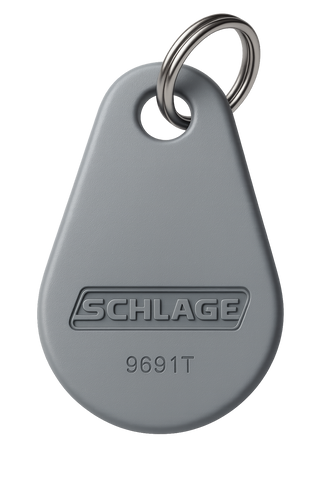
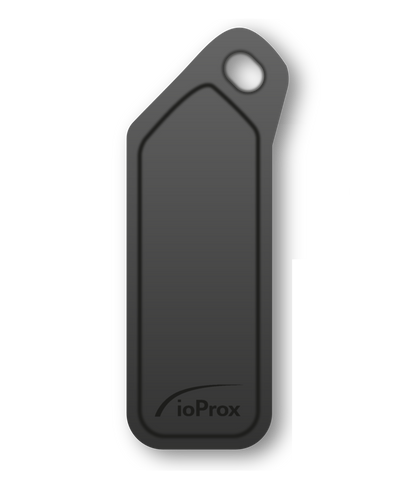
MIWA credentials can look similar while using different technology. Upload a clear photo of the complete working original and its visible model information during checkout so the correct product and replacement can be reviewed.
Appearance alone does not confirm compatibility. If the model number is unclear, email front-and-back photos to support@sumokey.com before ordering.
Choose your MIWA replacement-tag format
Select one physical format for each authorized copy. These are aftermarket replacements and may look different from the original MIWA fob.
Key-ring format
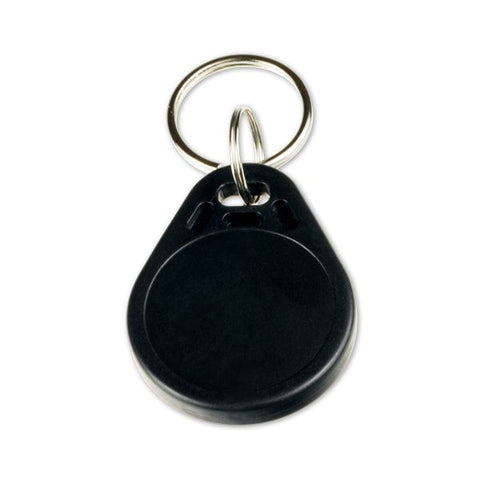
Aftermarket black key fob
A compact replacement made to carry with your keys. It will not look like the original MIWA credential.
Adhesive format
Sticker
A low-profile adhesive replacement. Test your intended placement with the reader before attaching it permanently.
Wallet format
White card
A flat replacement format for a wallet, badge holder, or other convenient storage.
Choose one high-frequency cloning-kit option
Every order needs one of these two equipment selections. Choose the first option if you need the hardware, or the second only if you kept the compatible kit from an earlier Sumokey order.
Need the equipment
Buy the high-frequency cloning kit
Select this if you do not already own the required Sumokey high-frequency kit. The equipment is used with your computer, working original, and selected replacement credential.
Returning customer
I already own the cloning kit
Select this only if you still have the compatible high-frequency cloning kit from a previous Sumokey order. Contact support with your earlier order number if you are unsure.
What your configured order includes
With each copy
One selected replacement
The aftermarket black key fob, sticker, or white card selected in the product options.
Equipment path
Your selected kit option
Purchase the high-frequency cloning kit, or confirm that you already own the compatible kit from a previous Sumokey order.
Guidance
Instructions and support
Use the current high-frequency duplication instructions and contact Sumokey if the model or setup is unclear.
What you need for MIWA key duplication
- Your working, authorized MIWA high-frequency key fob.
- A clear photo of the complete original and visible model information for checkout review.
- The compatible aftermarket black key fob, sticker, or white card supplied with this product.
- A purchased Sumokey high-frequency cloning kit, or the compatible kit kept from your previous Sumokey order.
- A Mac or Windows 10-or-newer computer that meets the current instructions.
Important: Replacement tags purchased elsewhere are not supported by this cloning kit.
How the MIWA key fob cloning process works
-
Choose the replacement. Select the aftermarket black key fob, sticker, or white card and the number of authorized copies.
-
Choose the equipment. Buy the high-frequency cloning kit, or select the returning-customer option if you already own the compatible kit from a previous Sumokey order.
-
Submit the original-fob details. Upload a clear photo showing the complete MIWA credential and visible model information for review.
-
Follow the guided workflow. Use the current instructions with your computer to read the working original and write to the compatible Sumokey replacement, then test the copy at your authorized reader.
Know what to expect
- Compatibility depends on the exact original credential and access system; MIWA branding or appearance alone is not enough.
- The available replacements are aftermarket formats and may look different from the original MIWA fob.
- Keep the original until the finished copy has been tested successfully at each authorized reader.
- Use only the compatible replacement supplied with the configured Sumokey order.
- Only copy a credential you own, manage, or have explicit permission to duplicate.
MIWA key fob copy questions
Which MIWA key fobs can this kit copy?
This product is for supported MIWA high-frequency 13.56 MHz RFID key fobs. Upload a clear photo of the complete original and visible model information because similar-looking credentials may use different technology.
Do I need to buy the high-frequency cloning kit?
Buy the kit if you do not already have the required equipment. Select “I already own the cloning kit” only if you kept the compatible high-frequency kit from a previous Sumokey order.
Which replacement-tag formats can I choose?
Choose an aftermarket black key fob, sticker, or white card. Each is a physical aftermarket replacement and may look different from the original MIWA fob.
What if I have an iPhone?
An iPhone does not replace the required computer or cloning hardware. The documented workflow requires the Sumokey high-frequency kit and a compatible Mac or Windows 10-or-newer computer.
Is this a generic MIWA RFID encoder or key fob cloning tool?
No. This product is a guided workflow for supported MIWA credentials using the applicable Sumokey high-frequency cloning kit and Sumokey-supplied replacement. It does not claim that a generic RFID encoder, third-party blank, or unrelated cloning tool will work.
Can I use a replacement tag purchased elsewhere?
No. The source product states that tags purchased elsewhere are not supported by this cloning kit. Choose the compatible replacement in this product's options.
Can this help with an apartment key fob copy?
It can be the correct product when the apartment or condo credential is a supported MIWA high-frequency fob. Confirm the model first and copy only a credential you own, manage, or have permission to duplicate.
Will the replacement look exactly like my original MIWA fob?
No. The choices on this product are aftermarket formats: a black key fob, sticker, or white card. Select the format that best fits how you plan to carry or place the authorized copy.
What should I upload for a compatibility check?
Upload a clear, well-lit photo showing the complete working original and every visible model number or marking. Email front-and-back photos to support before ordering if the checkout image is not enough to identify it.
Learn more before you order
New to electronic building credentials? Read RFID Key Fobs Explained, then return here with a photo of your MIWA key fob for compatibility review.
Not sure which MIWA key fob you have?
Send clear photos of the complete working original and every visible marking before ordering.
support@sumokey.com
(949) 505-5627
MIWA is a trademark of its respective owner. Sumokey is not affiliated with or endorsed by MIWA. The product name is used only to describe compatibility.